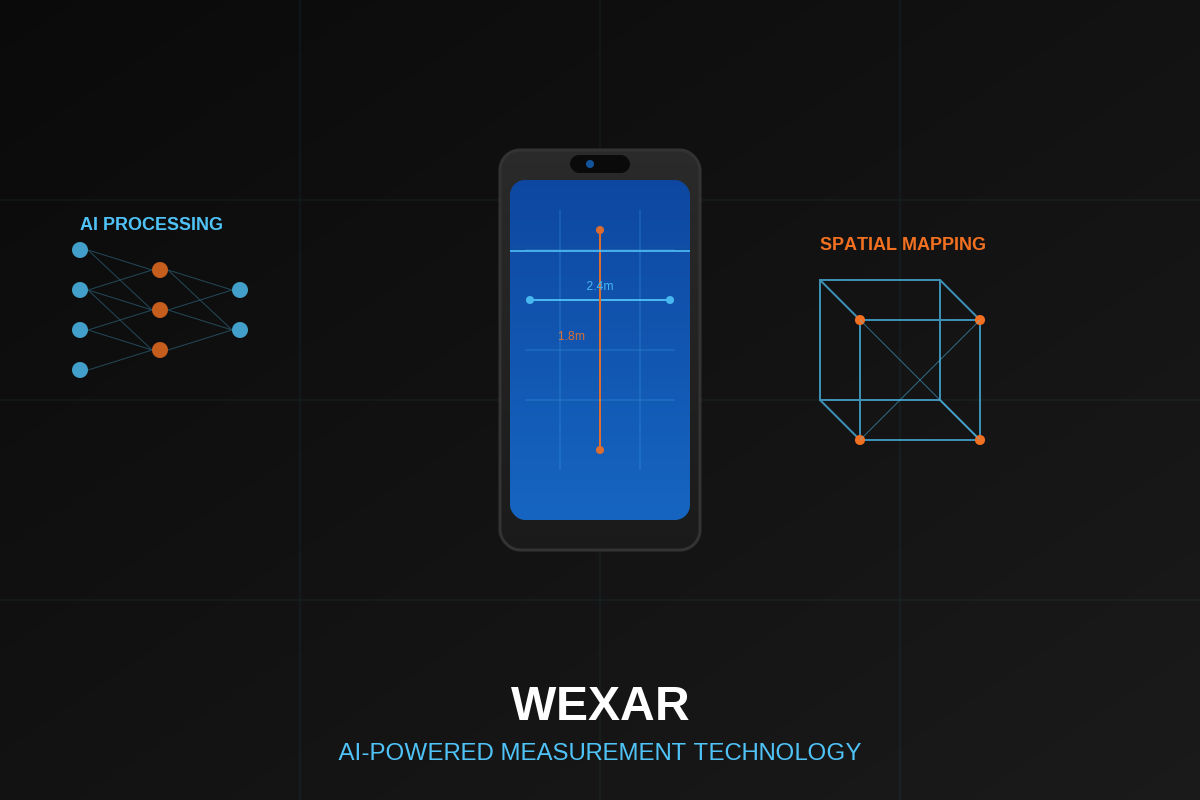
Measure access. Understand the barrier.
Use WEXAR to measure thresholds, steps and ramp situations, visualize possible solutions in AR and generate clear assessment-style reports from your iPhone or iPad.
Free to download. Practical reports available in the app.
Built by MIOR B.V. · Designed in the Netherlands · AR/LiDAR-supported workflow
Download WEXAR Assessment
Scan the QR code with your iPhone or iPad to open WEXAR directly in the App Store. Measure thresholds, visualize possible ramp solutions in AR and generate clear assessment-style reports.
Now live on the App Store · Built by MIOR B.V.
Scan with iPhone or iPad
How it works
Measure your situation
Point your iPhone or iPad at the threshold, step or entrance situation. WEXAR helps capture key dimensions through a structured measurement flow.
Visualize possible solutions
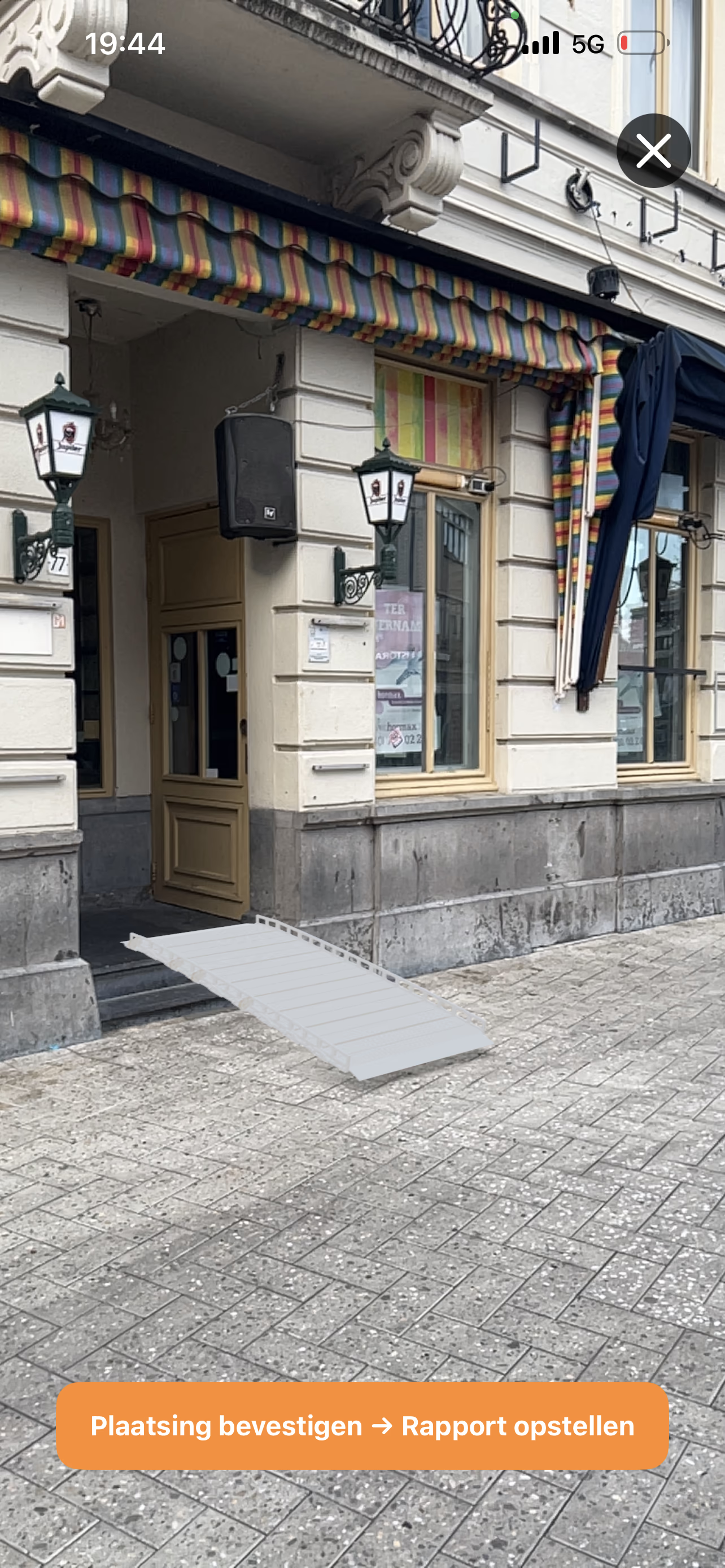
Preview possible ramp or access solutions in AR before making a decision.
Generate a clear report
Create an assessment-style report that helps document the situation and support better planning.
See WEXAR in action
Real field test in the app — from AR placement to report creation.
Why measure with WEXAR first?
Reduce guesswork
Understand the dimensions, slope and available space before selecting a ramp or access solution.
Visualize before ordering
Preview possible solutions in AR to better understand how they may fit in the real environment.
Support better decisions
Use structured measurements and assessment-style reports to support planning and product selection.
Document the situation
Create a clear record that can be shared with family members, professionals or relevant organizations.
Who is WEXAR for?
Wheelchair users & families
Understand entrance, threshold and ramp situations at home before choosing a solution.
Occupational therapists & care professionals
Use structured measurements and reports to support practical accessibility discussions.
Municipalities & housing adaptation teams
Document accessibility situations more clearly for follow-up, planning and internal review.
Architects & contractors
Include accessibility considerations earlier in design, renovation or adaptation work.
Mobility suppliers & accessibility partners
Support better product selection and reduce uncertainty before recommendation or delivery.
Assessment-style reports
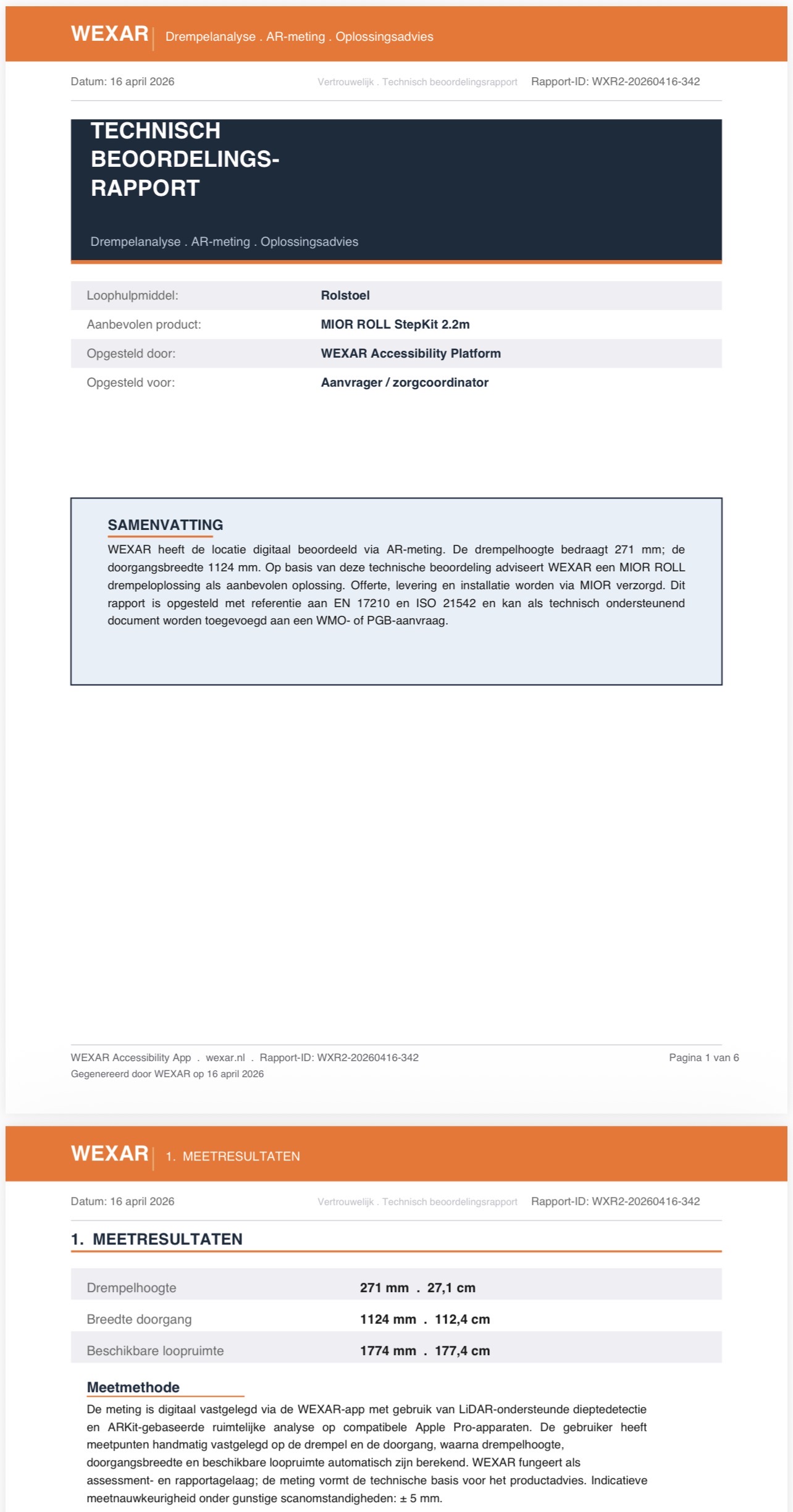
Assessment-style reports for documentation and planning
WEXAR reports help document measurements, slope, available space and recommended next steps in a clear format. They can be used as supporting documentation in conversations with professionals, care coordinators, housing adaptation teams or local authorities.
WEXAR reports support planning and documentation. They do not replace legal certification or formal approval.
After understanding the situation
After understanding the situation, explore MIOR ramp solutions designed for practical accessibility needs.
Frequently asked questions
WEXAR Assessment is an iOS app that helps users measure thresholds, steps and ramp-related situations, visualize possible solutions in AR and generate clear assessment-style reports.
No. WEXAR is a practical assessment and planning tool. It does not replace legal certification, formal building approval or a professional inspection.
Yes. WEXAR helps users better understand dimensions, slope and available space before choosing a ramp or accessibility solution.
WEXAR supports AR/LiDAR-based workflows where supported by the device. Some features may depend on device capabilities.
Yes. WEXAR can generate assessment-style reports to support documentation, planning and product selection.
Start using WEXAR today
Download WEXAR Assessment on the App Store and take a more practical approach to accessibility assessment.